
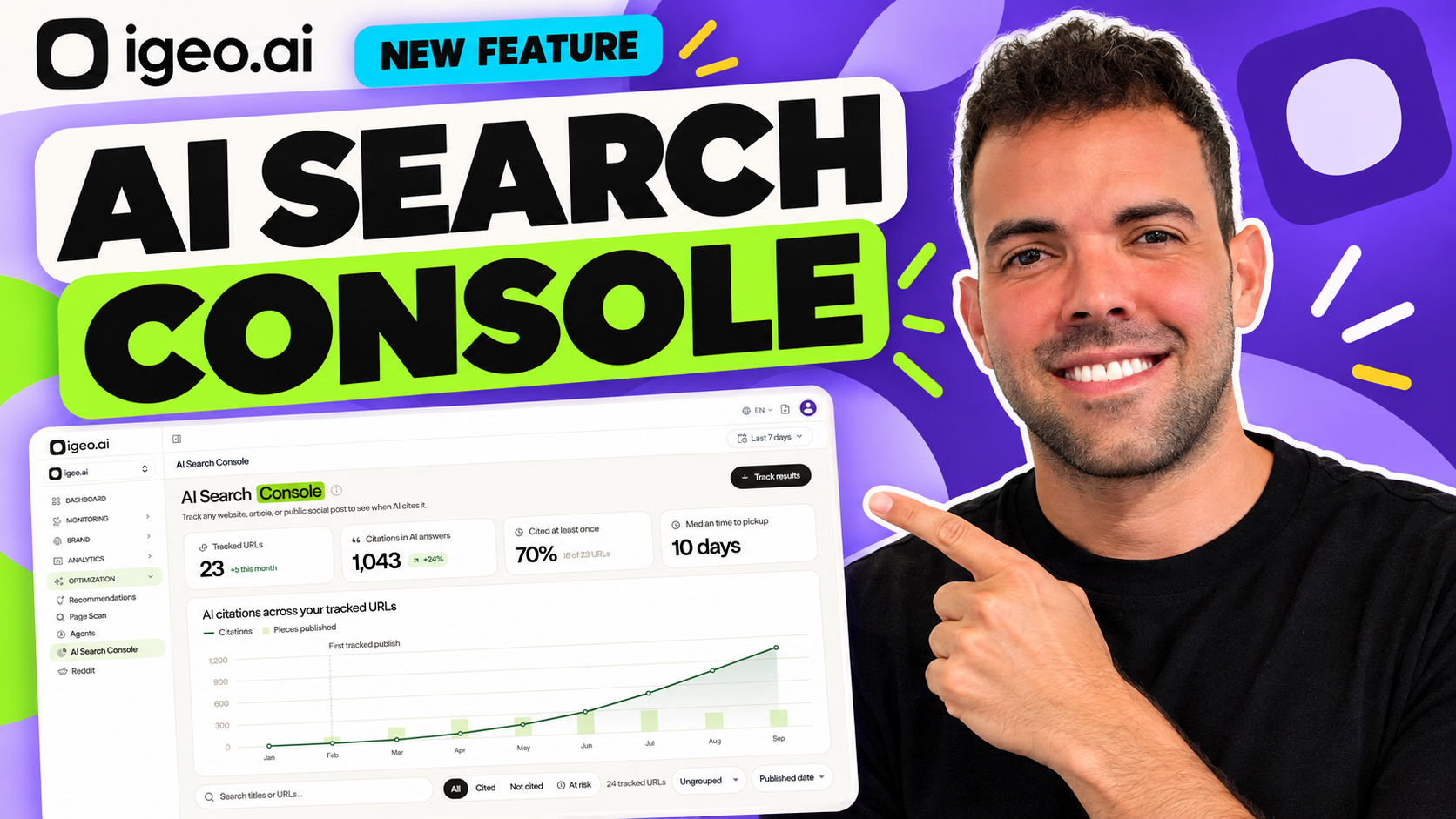
AI Search Console is now part of igeo.ai. Add a published URL to follow its observed AI crawling and citation activity, see which engines cite it, and understand what happens after your content goes live.
For content and growth teams, publication is an important milestone. The next question is whether that content becomes a source in the AI answers your audience encounters.
AI Search Console gives that question a practical starting point: the URL itself. Track website pages, articles on third-party sites, and public social posts. Follow the evidence over time, then use what you learn to plan your next content update.
Watch the AI Search Console feature video
Get a quick look at the new feature in the video below, then follow the workflow in this article to get started.
You can also explore the interactive AI Search Console demo. Its animated dashboard uses illustrative data to show how citation activity and URL statuses change over time.
Start with the content you published
AI visibility monitoring starts with buyer questions: does your brand appear, how is it described, and which competing brands and sources appear alongside it?
AI Search Console starts with a specific piece of content.
That might be a product explanation, a comparison article, a useful guide, or a public LinkedIn post. The console helps you investigate whether that URL appears as a source in the answers your account monitors.
Together, these views connect a visibility gap to work your team can measure. Identify a question your content should answer, publish or improve the relevant page, and track what happens to that URL.
Follow the journey from publication to citation
The URL lifecycle separates three milestones:
- Published: the content is live and has been added for tracking.
- Crawled: an AI crawl has been recorded, where crawl data is available.
- Cited: the URL has appeared as a source in an observed AI answer.
These events mean different things. A recorded crawl shows that a system accessed the page. A citation shows that the URL appeared in an answer. A crawl does not establish that the content was used for model training or guarantee a future citation.
Keeping the milestones separate helps your team ask better questions. Has the page been discovered? Has it earned a citation? Is that citation activity continuing?
Read the dashboard with four headline metrics
The overview brings your tracked content into one place.
| Metric | What it helps you understand |
|---|---|
| Tracked URLs | How many content URLs you are following. |
| Citations in AI answers | The citation activity observed across your tracked content. |
| Cited at least once | How much of your tracked content has received an observed citation, shown as a count and percentage. |
| Median time to pickup | The typical time between publication and the first observed citation for URLs with pickup data. |
The trend chart places citation activity alongside publishing volume. This gives useful context for reviewing a campaign or content program.
Read the chart alongside individual URL records. An increase after publication is a signal to investigate; it does not establish that publishing alone caused the change.
How to use AI Search Console
1. Add a live URL
Open AI Search Console, choose Track results, paste the full HTTP or HTTPS URL, and activate tracking.
Start with content tied to an important buyer question. A small, relevant set of pages is easier to investigate than an unfocused list of every URL your team has published.
You can also track a live article published through igeo.ai Marketplace to follow its pickup after publication.
2. Review the overview and status
Check citations, the share of URLs cited, and pickup timing together.
Use the search field to find a title or URL. Filter for Cited, Not cited, or At risk, then group or sort the results to focus your review.
The Lost status flags earlier citation activity followed by no citations in the current measured period. No pickup flags content that remains uncited beyond the console’s pickup threshold.
Treat these statuses as a review queue. They help identify pages that deserve attention.
AI already decides how your brand shows up.
Every prompt, citation, and recommendation is a signal. igeo.ai turns that behavior into clear answers and the next action, whether that’s a page to rewrite, a schema to add, or a story to publish.
3. Open a URL and investigate
Select a URL to review its lifecycle, citation history, engine breakdown, and the prompts that surfaced it.
Look for useful patterns. Is pickup concentrated in one engine? Which questions surface the page? Does the content clearly answer those questions? Has the answer context changed since the page was last cited?
This evidence gives an editor or content owner a concrete place to start.
4. Make a focused improvement and measure again
Choose an update supported by what you found: clarify a product explanation, refresh an outdated fact, answer a missing customer question, or improve the evidence supporting a claim.
Record the change and its date. Compare subsequent observations using a consistent set of prompts, engines, and reporting periods.
For a broader measurement process, see our step-by-step guide to measuring AI search visibility.
Connect citations to AI performance
A citation, a referral visit, and a conversion are separate signals.
Use AI Search Console to investigate content pickup. Bring AI Traffic Analytics into the workflow to review observable referral and crawler activity, then use your conversion reporting to evaluate business outcomes.
The console’s results reflect the prompts, engines, periods, and connected data available to your account. Zero observed citations does not mean a URL has never been cited anywhere.
This makes AI Search Console useful as a repeatable process: publish, observe, investigate, improve, and measure again.
Give your next published page a next step
Choose one URL that answers a question your customers care about. Add it to AI Search Console and follow its progress.
Start for free with igeo.ai or explore the feature and interactive demo.
Frequently asked questions
What is AI Search Console?
AI Search Console is igeo.ai’s URL-level content tracking feature. Add a published page, article, or public social post to follow observed AI crawling and citation activity. Citation trends, engine breakdowns, and pickup timing help you understand which content appears as a source in the AI answers your account monitors.
Which content can I track with AI Search Console?
Add a full, live HTTP or HTTPS URL for a website page, blog article, third-party publication, or public social post. Public LinkedIn, Reddit, and Facebook posts can be tracked. Access restrictions and the data available to your account affect what can be observed; tracking a URL does not make private content accessible.
Does an AI crawl mean my page has been cited?
No. A crawl records access to a page; a citation records the URL appearing as a source in an observed AI answer. AI Search Console separates publication, crawling, and the first citation. A crawl does not prove that a page was used for model training or guarantee future citations.
What do Lost and No pickup mean?
Lost identifies a URL with earlier citation activity and no citations in the current measured period. No pickup identifies content that remains uncited beyond the console’s pickup threshold. Use the At risk filter to bring these URLs together for review.
How is AI Search Console different from AI visibility monitoring?
AI visibility monitoring starts with buyer questions and shows how AI answers describe brands and competitors. AI Search Console starts with a specific published URL and follows whether it appears as a source. Together, they connect gaps in AI visibility to content you can improve and measure.
Does adding a URL guarantee AI citations?
No. Tracking measures observed activity; it does not control AI engines or guarantee inclusion. Results depend on the prompts, engines, reporting periods, and connected data available to your account. No observed citations does not mean that the URL has never been cited anywhere.